ccsm
[ desktop · windows · early ]

Claude Code,
organized by task.

ccsm is a desktop GUI for Claude Code. Group parallel agent sessions across multiple repositories the way you actually work — by task, not by folder.

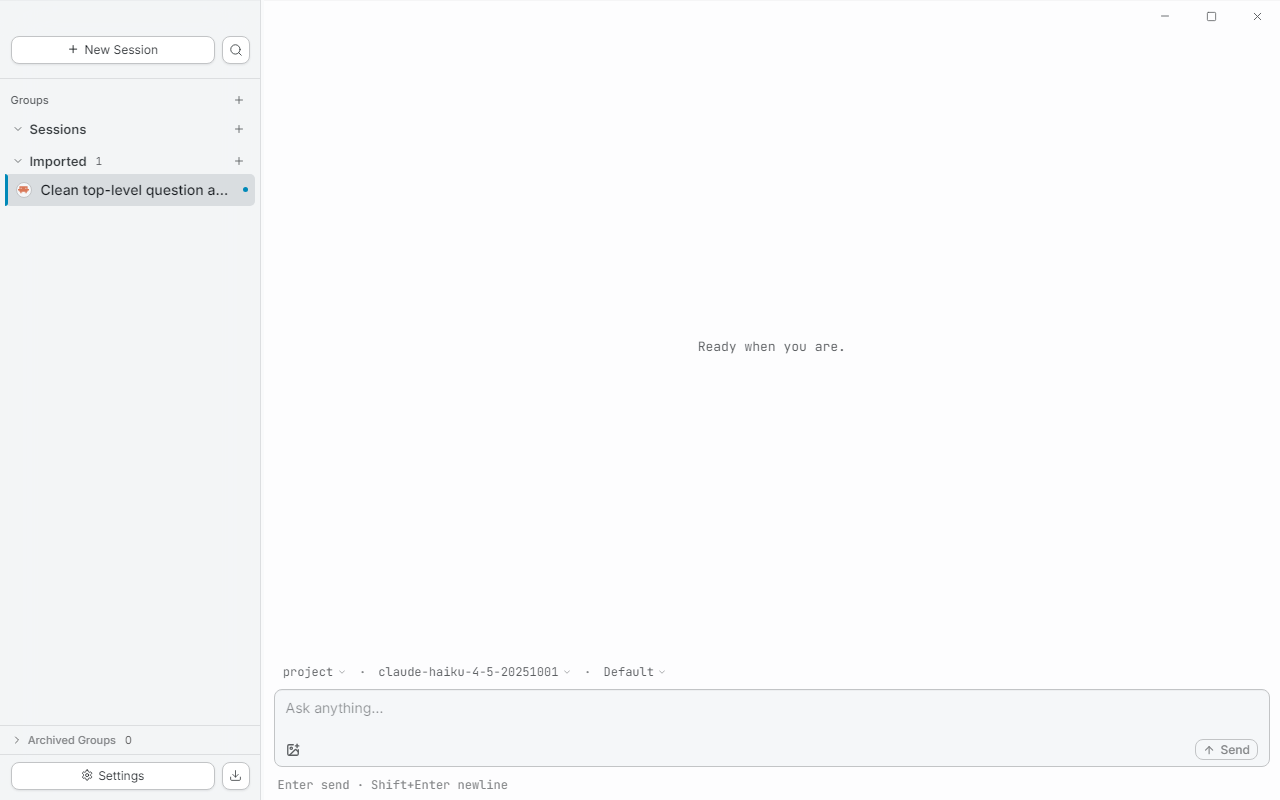
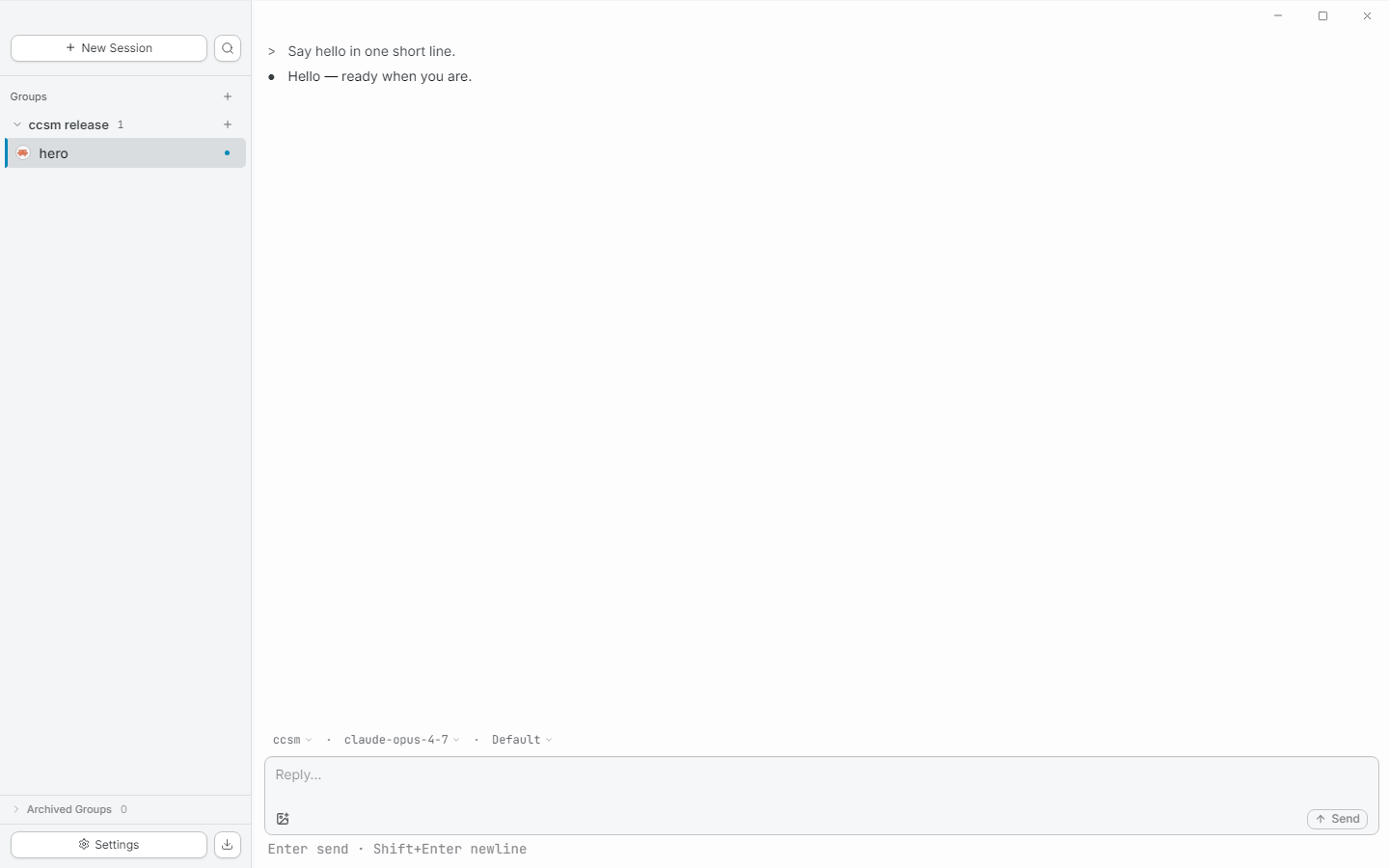
ccsm main view: sidebar with sessions, chat stream, input composer
ccsm main view — sidebar groups (left), conversation (center), per-session detail (right).

// why ccsm

Three things the CLI doesn't give you.

01 / groups

Group sessions by task, not by repo.

Real engineering work spans multiple repos — your workspace should too. A group is a task; sessions inside it can live in any directory. No more browser-tab juggling between five terminal windows.

02 / sdk-native

Built on the Claude Agent SDK.

Same engine as the official CLI, packaged for daily-driver use. Your claude install, your credentials, your existing ~/.claude sessions — ccsm reads them in place, doesn't fork them.

03 / blocks

Tools as first-class blocks.

Permission prompts, plans, tool calls, edit diffs, terminal output — each renders as its own structured block. Not buried in a chat bubble, not stripped of ANSI color, not collapsed to a one-line summary you can't read.
// features

What's in the box.

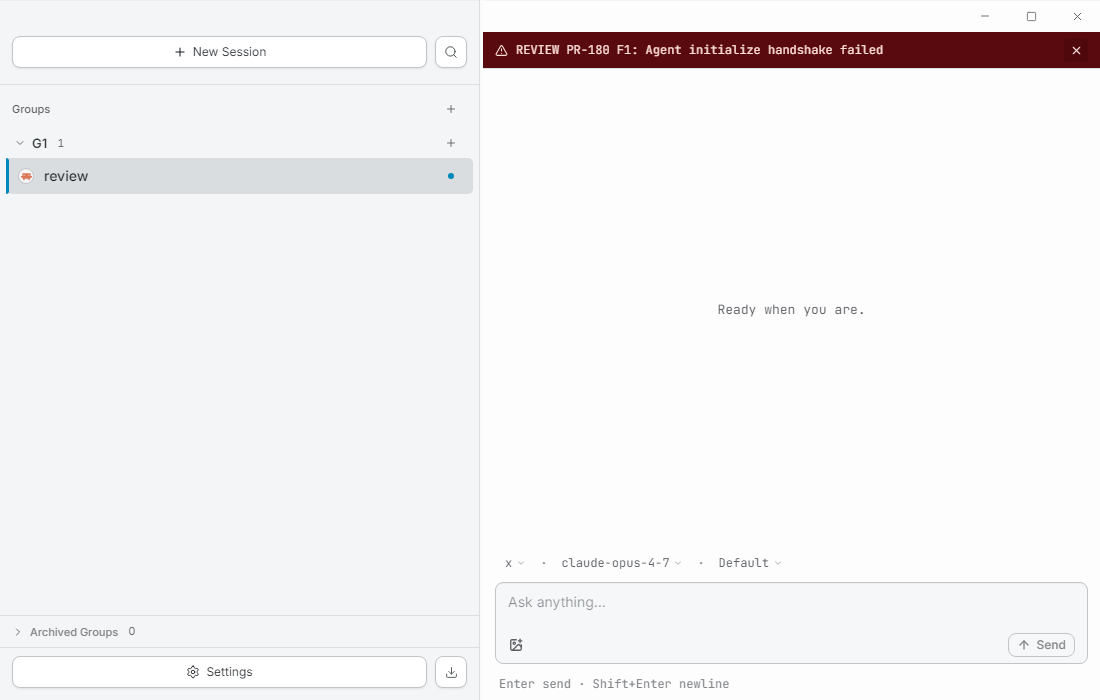
Sidebar with multiple groups, each containing sessions across different repositories
session groups

A sidebar that thinks like you.

Drag sessions between groups. Collapse the ones you're not on. A breathing amber dot tells you which background agent needs your input — no manual "status" field to maintain.

permission system

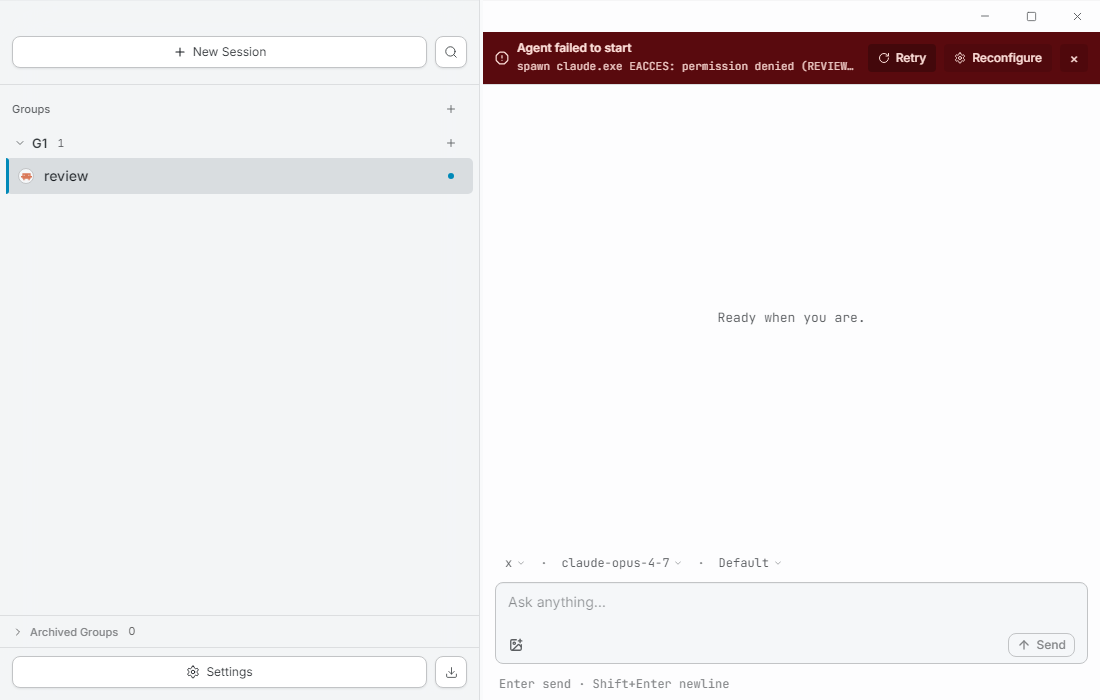
Allow / Allow always / Reject — inline.

Tool permission requests render where they happen, with the actual input visible as structured data. One click to approve, one to remember the decision for the rest of the session.

A permission prompt rendered inline with the conversation, showing Allow / Allow always / Reject options
Bash output, edit diffs, and plan blocks rendered as collapsible structured blocks
tool block rendering

Bash, Edit, Plan — each a block you can read.

Terminal output preserves ANSI color. Edits show as diffs. Plans render as checklists. Long tool calls collapse, but never truncate — the full output is one click away.

bring your sessions

Imports your existing Claude Code sessions.

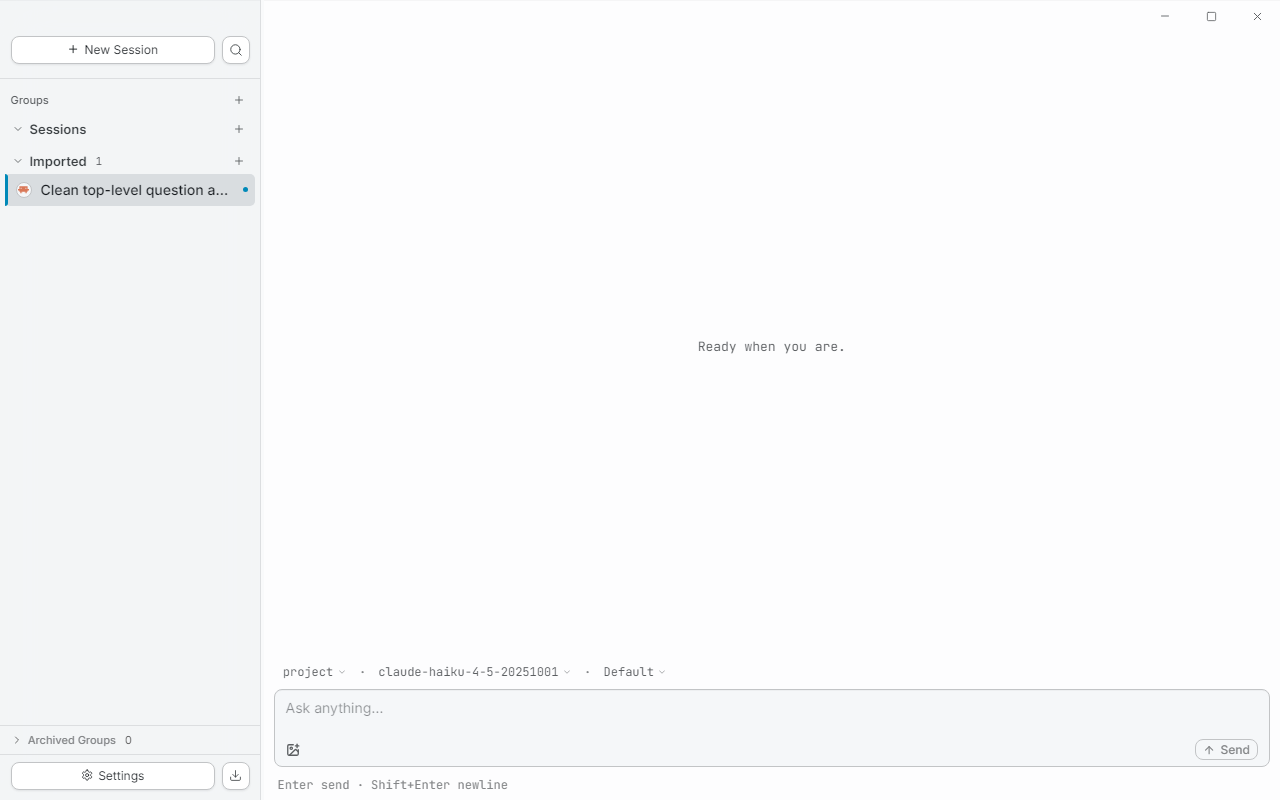
ccsm reads conversation history directly from ~/.claude/projects/. Nothing is duplicated, nothing is migrated. Open ccsm, see the work you already did.

Import flow showing existing Claude Code sessions detected from the local filesystem

// get started

Three steps. Two minutes.

  1. step 1

    Download the installer.

    Grab the latest .exe from Releases. Windows 10 or later.

  2. step 2

    Run it.

    Standard installer. No admin needed. Roughly 200 MB on disk.

  3. step 3

    Launch.

    First-launch wizard auto-detects your claude binary. Don't have one yet? Install Claude Code firstnpm i -g @anthropic-ai/claude-code.

$ npm i -g @anthropic-ai/claude-code
$ claude # once, to log in
$ open ccsm

ccsm makes zero direct calls to Anthropic. All API traffic flows through your local claude binary, with your existing credentials. macOS and Linux builds are coming.